Asset Information
Management
Structured AIM deliverables, COBie outputs, and FM-ready data models that carry the right information from design through construction and into operations, for the full lifecycle of your asset.
Information that lives
beyond practical completion.
A BIM model is only as useful as the information it contains. neoBIM's AIM service ensures your Revit model carries the right asset data, structured, consistent, and readable by the FM systems that will manage the building throughout its operational life.
We work to your Asset Information Requirements, structuring data in the model for COBie export, CAFM system import, or direct FM platform integration, so the information your operations team needs is already in the model at handover, not retrofitted after the fact.
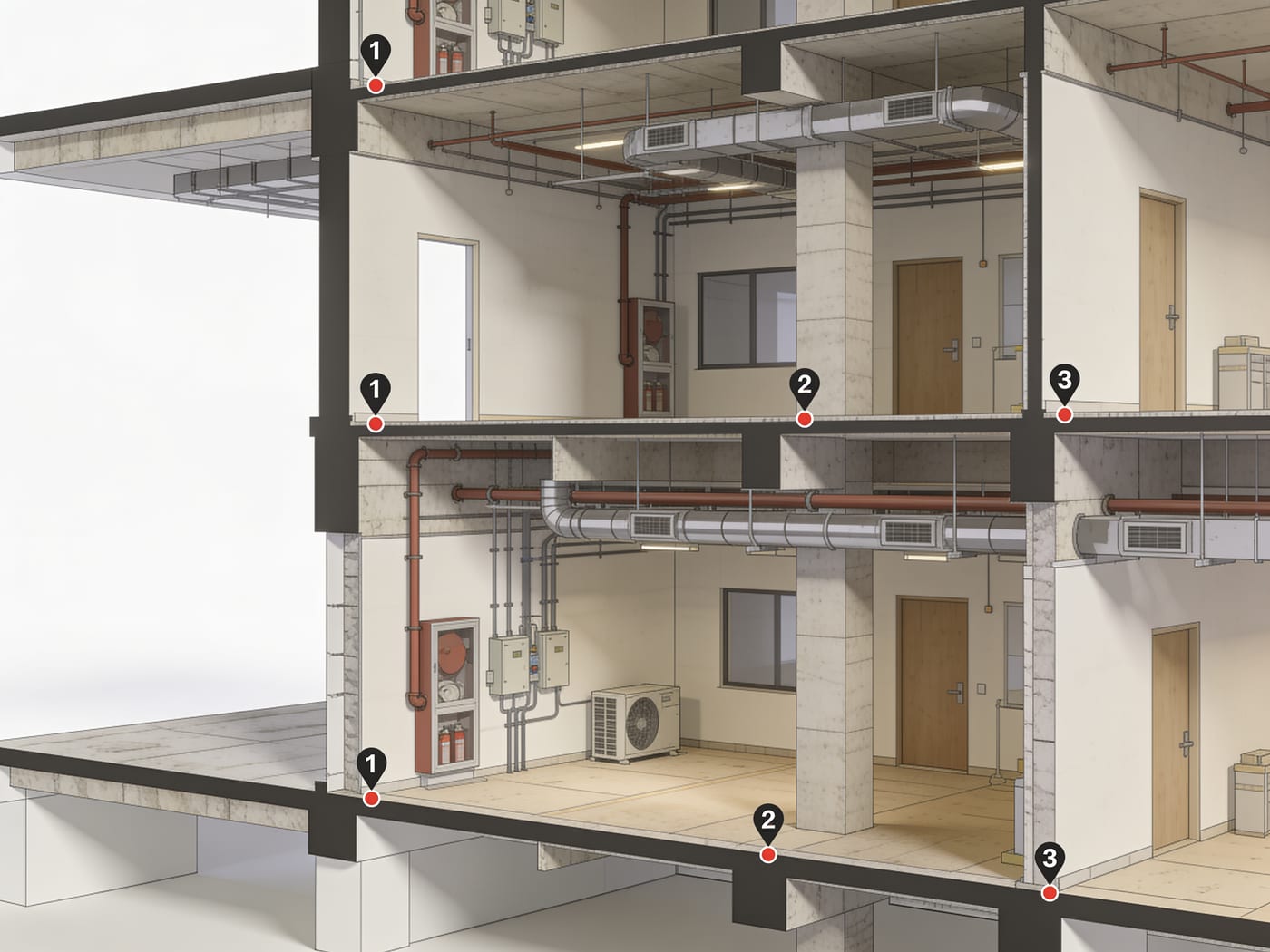
Scope of Service
AIR Review & Data Mapping
We review your Asset Information Requirements and map the required data attributes to Revit parameters, ensuring every required field is captured in the model at the right stage.
COBie Data Population
COBie-structured data populated within the Revit model, Contact, Facility, Floor, Space, Zone, Type, Component, System, and Document sheets prepared to BS EN ISO 19650 or client standard.
Shared Parameter Setup
Project shared parameter file structured for AIM data, asset IDs, maintenance classifications, manufacturer details, and operational data fields added to relevant family categories.
Space & Zone Data
Rooms and spaces named, numbered, and attributed to client space classification, with zone groups, department assignments, and area data for FM planning and compliance reporting.
CAFM System Export
Data exported in the format required by your CAFM, IWMS, or FM platform, COBie XLS, IFC with psets, or custom CSV export configured to your system's import specification.
AIM QA & Validation
Data completeness review against the AIR, every required attribute checked for population, consistency, and compliance before handover. No empty fields at practical completion.
Our Process
AIR & OIR Review
We review your Asset Information Requirements and Organisational Information Requirements, understanding what data the operations team needs, in what format, and when during the delivery programme.
Data Structure Design
Shared parameters, classification systems, and naming conventions are designed and documented in an AIM data map. This becomes the blueprint for all data population throughout the project.
Model Data Population
Asset attributes are populated within the Revit model, equipment data, system classifications, space information, and documentation links, staged to the construction programme.
Validation & QA
Completeness checks run against the AIR, every attribute reviewed for accuracy, consistency, and compliance. Issues identified and corrected before the handover milestone.
Handover Package Delivery
Final AIM deliverable issued, COBie spreadsheet, IFC with populated property sets, and Revit model ready for CAFM import. Delivery report confirms data completeness against AIR.
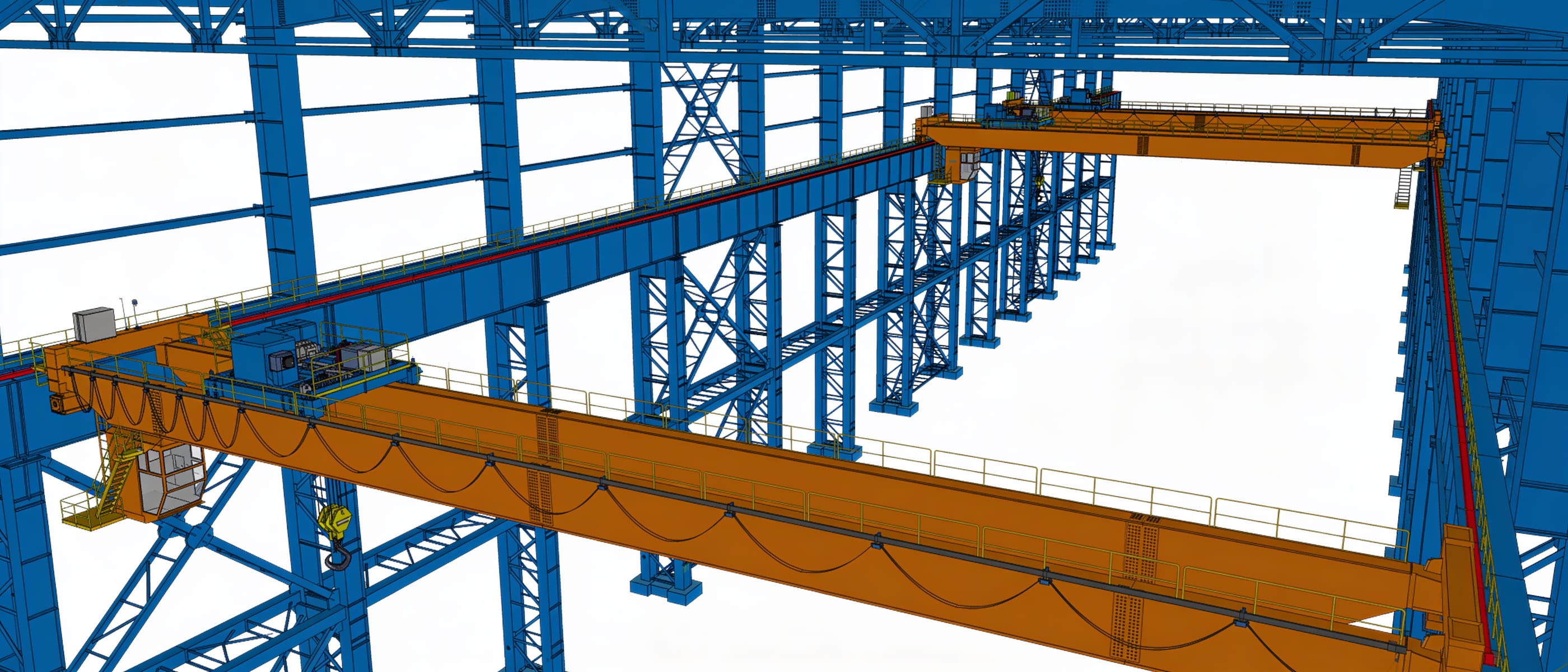
Deliverables
Ready to structure
your asset data?
Share your Asset Information Requirements and we'll prepare a tailored AIM delivery proposal. We'll help you get the right data into the right model at the right time, no retrofitting after handover.